Convert WAV Audio to SRT Subtitles
Generate your WAV Audio using AI. Fast, secure, and accurate AI conversion for WAV Audio files. Supports uploads up to 10GB.
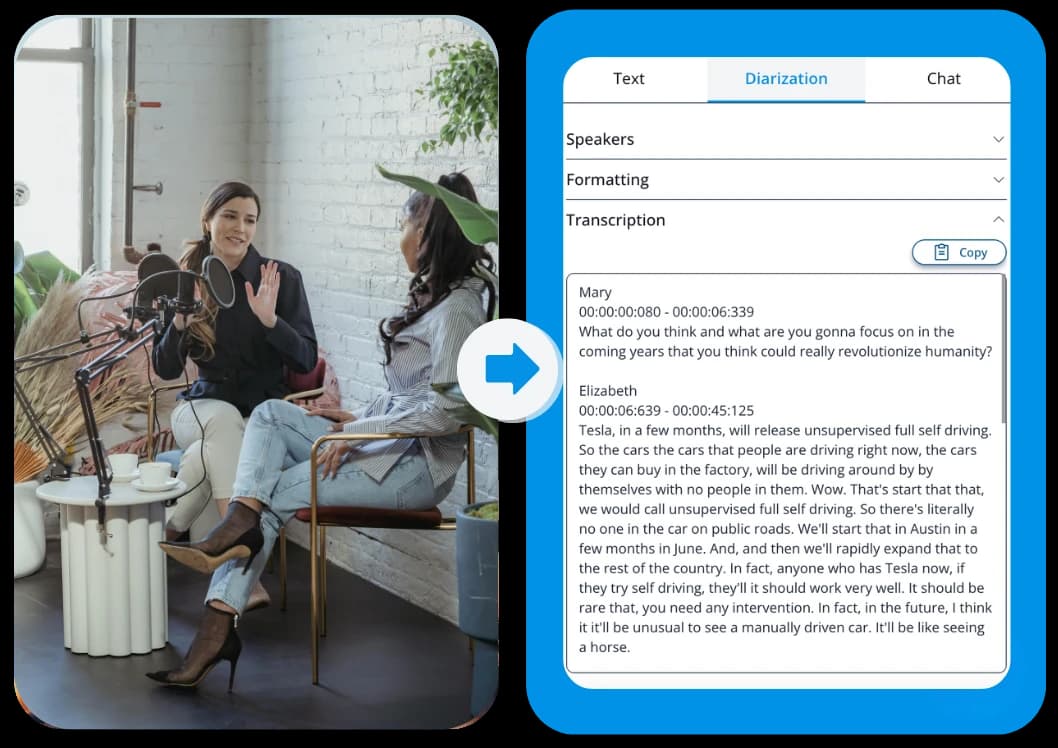
Why use AI for WAV Audio?
The smartest way to get SRT Subtitles from your content.

Edit Text
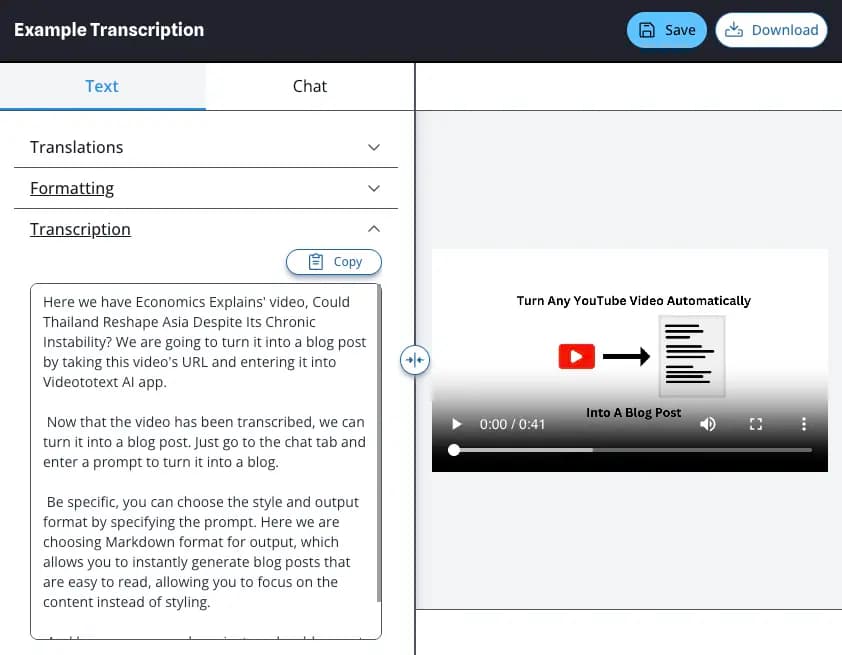
We convert speech from your WAV Audio to accurate text, which you can edit as needed.

Speaker Recognition
Automatically detect who is speaking in your WAV Audio.
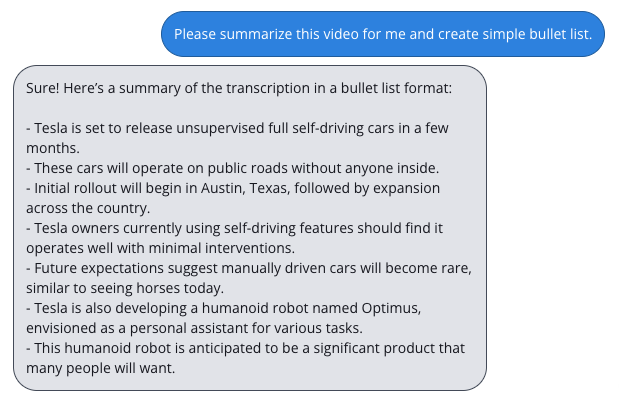
Chat With AI
Ask questions about your WAV Audio, summarize key points, or extract dates and names.
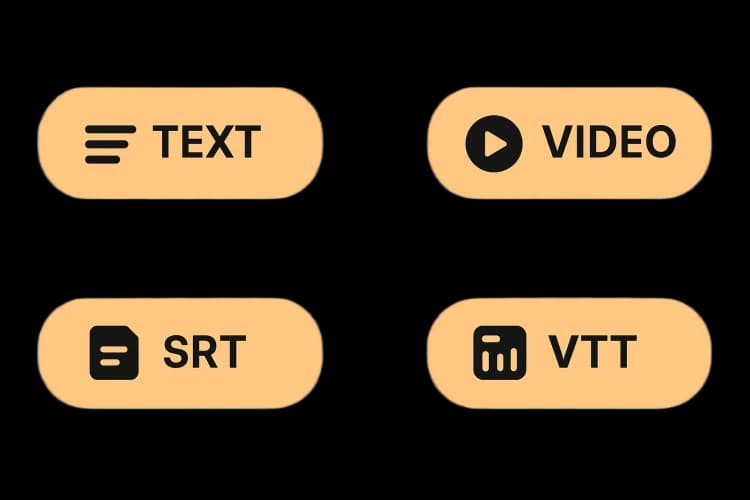
Export to SRT Subtitles
Take your content with you as SRT Subtitles, Text, SRT, or VTT.
How To Process WAV Audio
Follow these simple steps to get your results.
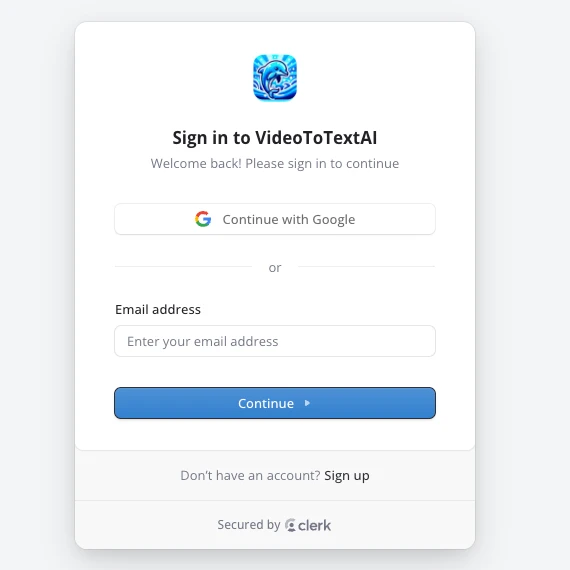
Step 1: Sign in
Log in or create an account on Video To Text AI to access the dashboard.
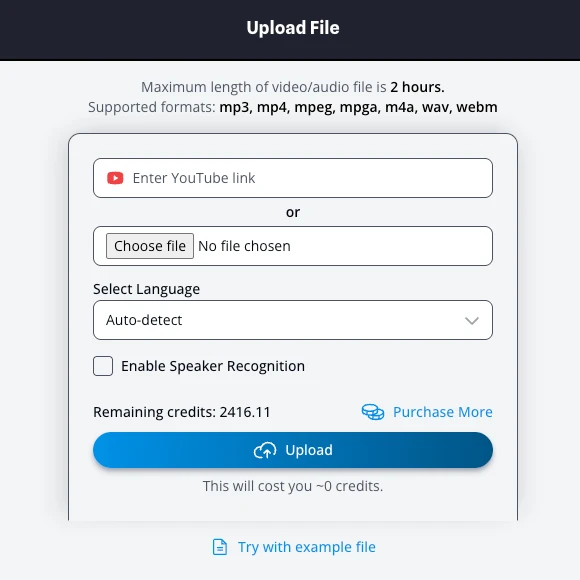
Step 2: Upload WAV Audio
Drag and drop your WAV Audio file into the dashboard.
Step 3: AI Processing
Our AI analyzes the audio and performs the generate process in seconds.
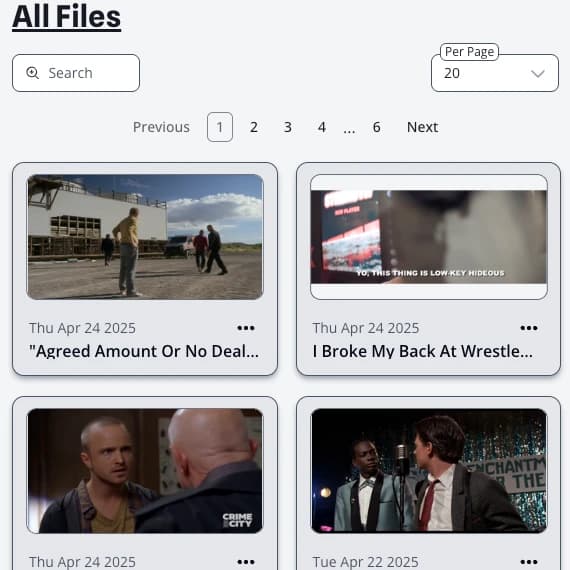
Step 4: Download SRT Subtitles
Review your results, make quick edits, and export your final SRT Subtitles.